
The Ultimate Guide to Wireless Security Alarms for Your Home
IS
Understanding Wireless Security Alarms
Wireless security alarms are an increasingly popular choice for homeowners looking to protect their properties. Unlike traditional wired systems, these alarms use radio frequency signals to communicate between components, offering greater flexibility in installation and maintenance. This guide will help you understand the key aspects of wireless security alarms and how to choose the best system for your home.
Benefits of Wireless Security Alarms
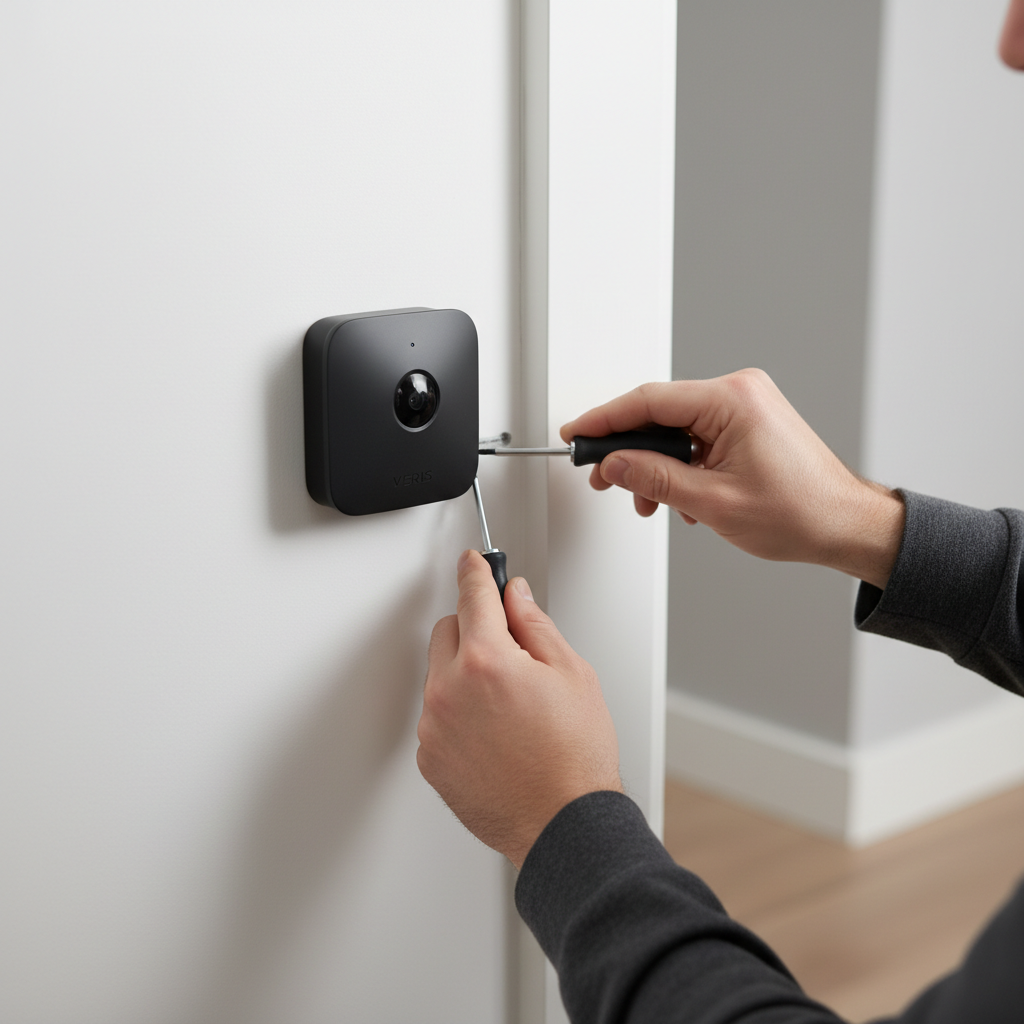
One of the most significant advantages of wireless security alarms is their ease of installation. Without the need for extensive wiring, you can set up the system in a matter of hours. This feature is particularly beneficial for renters or those who may move homes frequently. Additionally, wireless systems are more adaptable to changing security needs, allowing you to add or remove components as necessary.
Another critical benefit is the enhanced connectivity and integration with smart home devices. Wireless alarms can easily connect to your smartphone, allowing you to monitor your home remotely. This feature provides peace of mind, enabling real-time alerts and notifications.
Components of a Wireless Security System
A comprehensive wireless security system typically includes several key components:
- Control Panel: The central hub that communicates with all system components.
- Motion Sensors: Detect movement within your home.
- Door/Window Sensors: Alert you when entry points are breached.
- Cameras: Provide visual monitoring of your property.
- Siren: Emits a loud sound to deter intruders and alert neighbors.
Choosing the Right System for Your Home
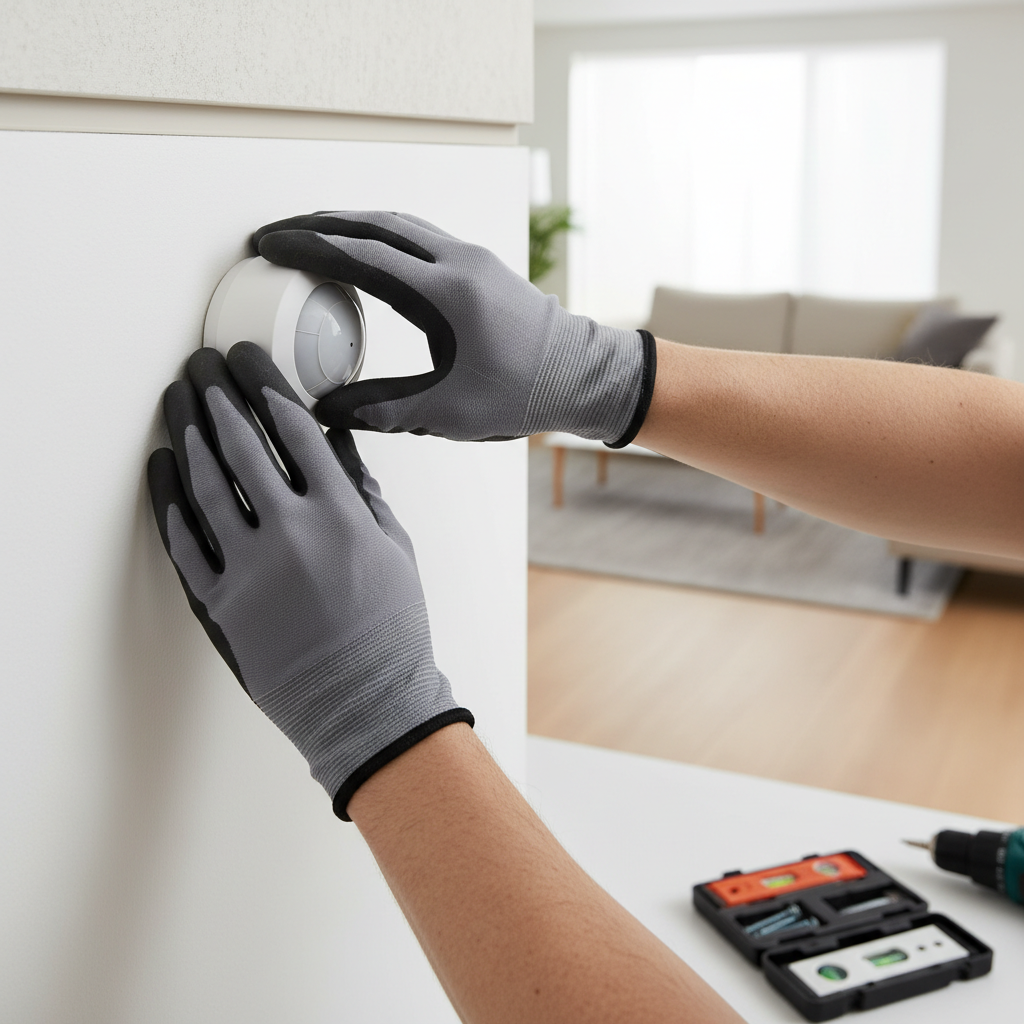
When selecting a wireless security alarm, consider your specific security needs. Start by assessing the size of your home and identifying potential entry points for intruders. A larger home may require additional sensors and cameras to ensure full coverage.
Next, evaluate the system's compatibility with your existing smart home devices. Many modern systems offer integration with platforms like Amazon Alexa or Google Assistant, enhancing convenience and control.
Installation Tips and Best Practices
Installing a wireless security system is straightforward, but following best practices ensures optimal performance. Position motion sensors at key entry points and high-traffic areas, and ensure cameras have a clear field of view. Regularly test all components to verify they're functioning correctly.
Maintaining Your Wireless Security System
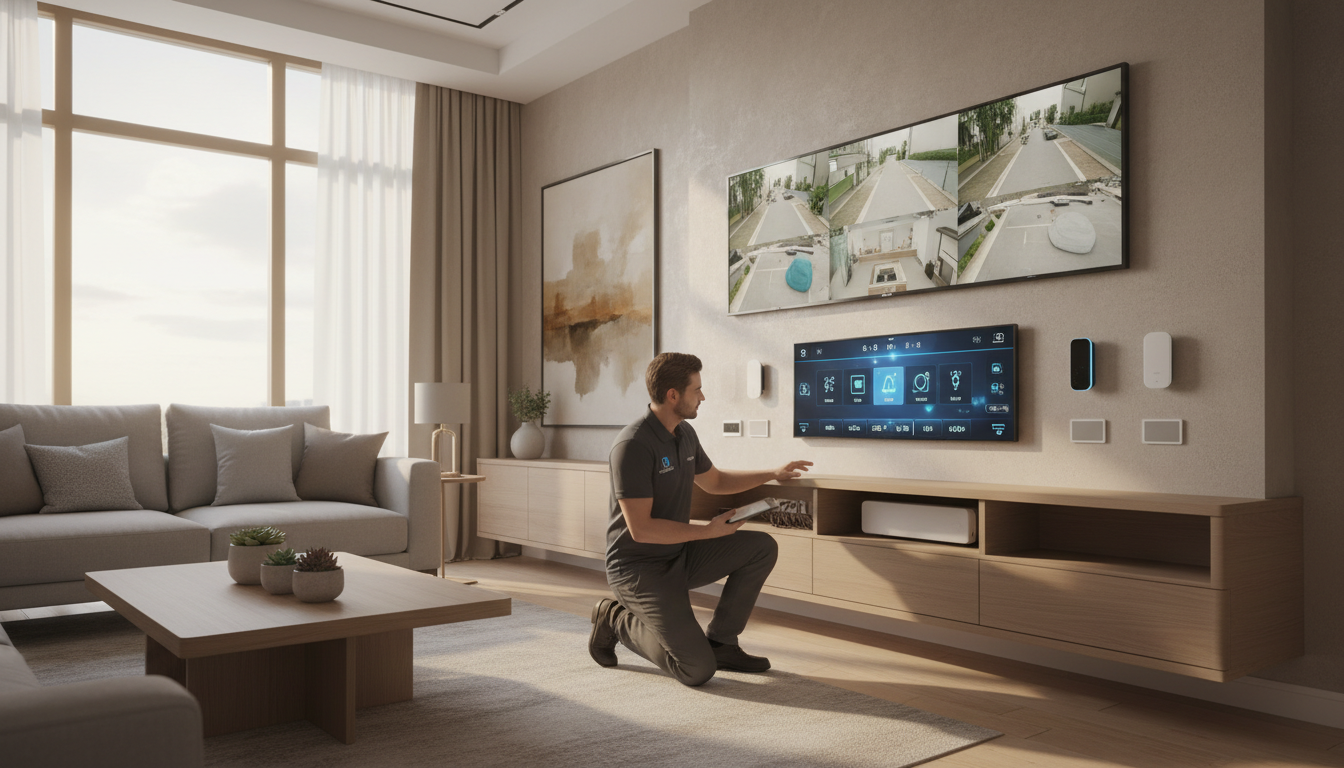
Regular maintenance is crucial for keeping your wireless security system in top condition. Check batteries and replace them as needed to prevent outages. Keep your system software updated to benefit from the latest security enhancements and features.
By following these guidelines, you can ensure your home remains secure and well-protected. Wireless security alarms offer a versatile, reliable solution, giving you the peace of mind you deserve.